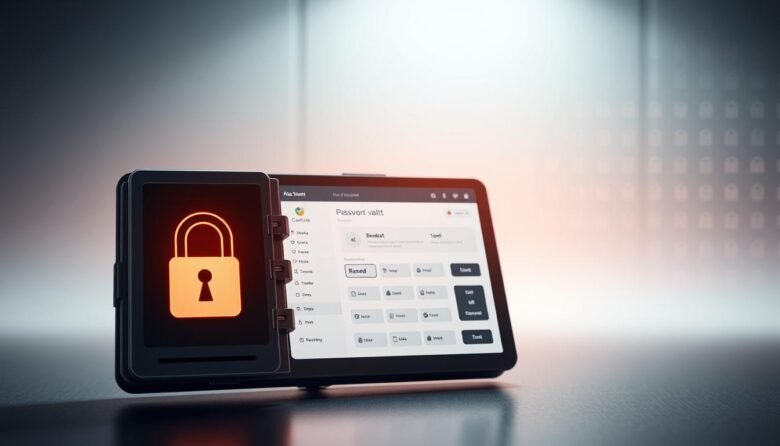
Modern life means dozens — even hundreds — of logins to remember. Studies show nearly 35% of people reuse the same credential for most sites, and 42% say they have had an account hacked. With the average person using more than 200 accounts, manual creation and recall of unique codes is unrealistic. A password manager …
Modern email protection blends technology, policy, and people to keep messages safe without slowing your business. In simple terms, this framework defends the confidentiality, integrity, and availability of communications by using layered tools like signatures, machine learning, and behavioral analytics. Proofpoint found nearly every organization faced account takeover attempts in 2024, and millions of BEC …

This friendly guide shows simple, high-impact ways to protect your personal details and reduce the chance of fraud. You’ll learn everyday habits that save time and stress, from guarding Social Security data to spotting phishing attempts. Start with small changes: use stronger passwords, turn on multifactor authentication, and share less information publicly. Secure your devices …

Protect your data while you send documents and photos across the U.S. This service combines end-to-end encryption with simple controls so sensitive content never leaks to unintended people. The interface keeps daily actions familiar: pick recipients, set permissions, and email a link. Gmail uploads items over 25 MB to cloud storage and inserts a safe …

Many people first spot an infection when a computer gets slow, apps lag, or pop-ups appear out of nowhere. These little annoyances can point to real threats, yet they are often written off as normal bloat or a flaky update. Some strains aim to stay invisible while they collect information or wait for commands. Others …

Free access to the internet is everywhere in the United States — airports, cafés, hotels, libraries, and transit. That convenience makes it easy to check mail or work on the go, but it also opens doors for a hacker to snoop on the same network. This guide explains why public -fi matters today and how …

Take quick, effective steps to protect your online data without needing deep technical skill. This guide points out simple wins like HTTPS-only connections and built-in anti-tracking tools that improve security and reduce tracking across websites. Chrome, for example, offers Safety Check and Safe Browsing. These tools warn about malware, risky extensions, compromised passwords, and unused …

Keep your web time simple and safer. Modern web browsers add convenience but also expose information when they save passwords, sync on public machines, or store payment data. Use trusted browsers like Chrome, Firefox, Safari, or Edge and turn on automatic updates for both your browser and computer. Limit extensions and review their permissions. Avoid …

Every day, criminals send thousands of deceptive messages by email and text to steal passwords, account numbers, and Social Security numbers. These attacks can give someone access to your email, bank, or cloud accounts, or let them sell your information to others. Learn simple signs that a message is dangerous: urgent requests, fake invoices, offers …

Protecting your accounts starts with a clear, friendly process you can follow today. This guide shows how to add an extra security layer so your identity stays safe without creating daily headaches. You’ll learn the difference between using a password plus a second code and going passwordless with a passkey. We explain why prompts often …