
One study found that a breached inbox can let attackers reset other services within hours, often without obvious signs. You’ll learn quick, practical checks you can run right now. First, look for strange sent messages, unfamiliar sign-ins, or settings that changed. Then confirm details in your provider’s security dashboard and lock the account down fast. …
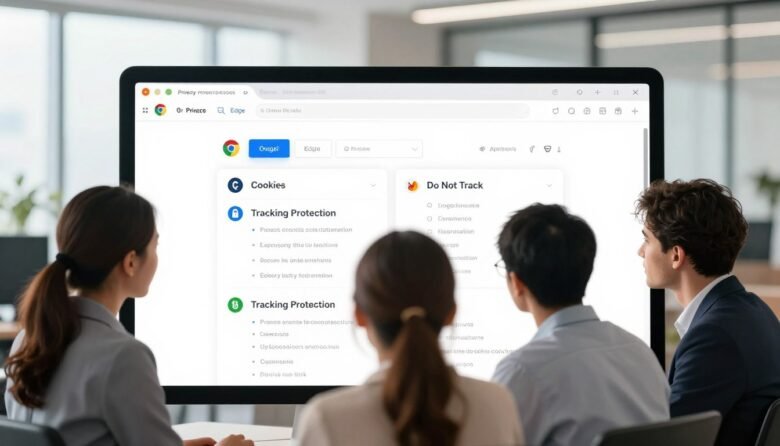
Surprising fact: many popular browsers track and link your visits across sites, meaning a single profile can follow your shopping and banking activity for months. Most defaults favor convenience and compatibility over privacy and security. That setup can let trackers collect cookies, history, and other identifiers that reveal what you do on the web. This …
More than 80% of people who lost access to a digital account did so because their password was exposed, not because someone guessed it. Adding a simple extra sign-in step can stop most of those attacks. Two-factor authentication is an extra layer that asks for a second proof beyond a password. Think of it as …
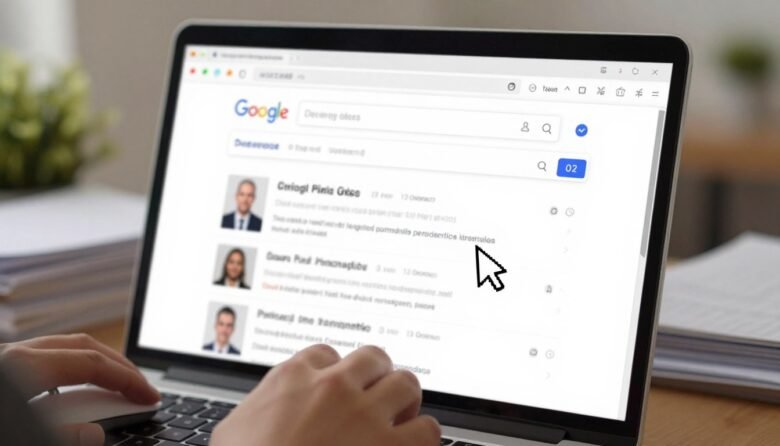
Surprising fact: many people find their phone number or home address in public listings within minutes when someone types a name into a search bar. This feels invasive, and you likely want more control. Removal in search makes those entries harder to find, but it rarely erases the page on the website that hosts the …
This short guide walks U.S. users through the best built‑in privacy choices for a cleaner, safer PC experience. You’ll get a friendly, practical tour of account and identity controls, on‑device encryption, and browser settings that limit what your system shares by default. We show step‑by‑step ways to harden a new or existing machine without buying …

Your last line of defense for critical files is a clear, practical plan you can trust. World Backup Day has evolved into Cyber Protection Week, and that shift shows why resilient storage and recovery matter now more than ever. This short guide is for readers in the United States who want a friendly path to …

Nearly one in four people have faced fraud, so spotting threats matters. This guide shows simple checks you can use every day to verify information and reduce risk. Modern technology helps a lot: search filters, browser protections, and on-device models block many fraudulent pages and calls before you interact. You’ll get a step-by-step workflow to …

Cookies are small files that websites place on your device to keep you signed in, remember preferences, and deliver local content. Clearing those files can sign you out and delete saved settings, but it also helps protect your privacy and reduce profiling across sites. This guide walks you step-by-step through major browsers so you can …

Keeping your online profiles private helps protect you from burglars, stalkers, and fraud. Start by reviewing each service and its controls so you know what others can see. Remember: “private” usually limits people, not the company behind a platform. Use strong, unique passwords and enable two-factor authentication on every account. Audit any connected apps that …