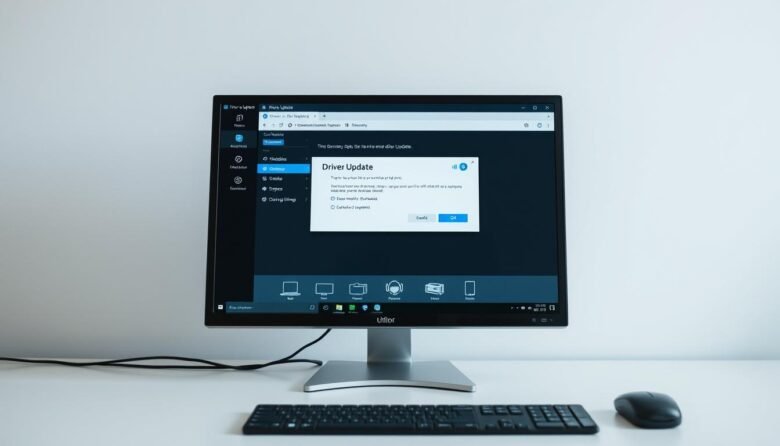
Drivers are the small programs that let your operating system talk with hardware like graphics cards, audio, and network adapters. Keeping them current boosts performance, fixes bugs, and patches security holes. Before you start, back up important files, make sure Windows and your browser are up to date, and confirm you have administrator rights. Use …

Quick troubleshooting can often bring your mic back to life. This short guide lists the common symptoms—silence, distortion, low volume, echo, lag, and dropouts—and maps them to simple checks you can do right away. Start with hardware: check cables, USB ports, or Bluetooth pairing. Then confirm system-level permissions. On Windows, go to Start > Settings …
This short intro explains what the legacy cleanup feature did and who it still helps. If you run an older build on Windows, these steps apply. For most users, modern versions rely on Safe Browsing’s Enhanced protection instead. The removed feature existed through version 110. It scanned folders, checked for programs that changed settings, and …
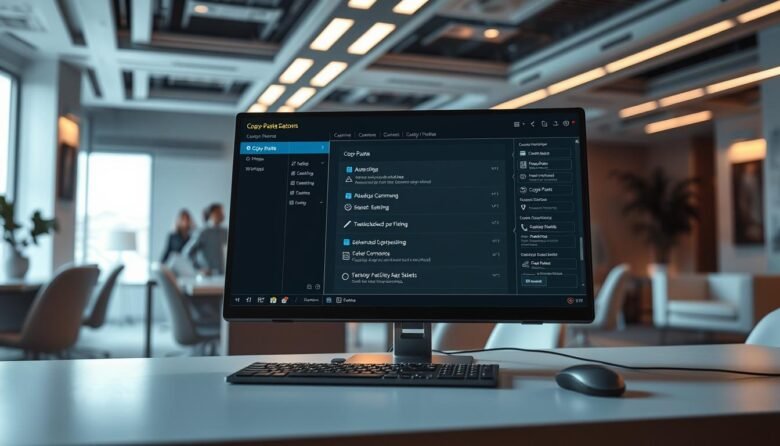
Most users default to right-clicking, but there are far faster methods that save time and reduce friction. Keyboard shortcuts like Ctrl+C, Ctrl+X, Ctrl+V, and Ctrl+A cut out extra mouse moves and keep you working. Windows stores multiple clipboard items once you enable Clipboard history in Settings > System > Clipboard, so you can recall earlier …

Get faster starts and smoother collaboration across your team with practical moves that save minutes every day. This guide focuses on simple, high-impact steps that boost productivity and cut clicks, so busy users can get results without deep setup. We curate actionable tips across Gmail, Docs, Sheets, Slides, Calendar, Tasks, Meet, Drive, and add-ons. Each …
Converting scanned pages and photos into editable content is easier than ever. Modern ocr software turns printed pages, PDFs, and images into searchable, copyable text so you can skip retyping and focus on work that matters. Today’s options deliver fast processing and solid accuracy. Many suites, from Adobe Acrobat to free apps like Microsoft Lens, …
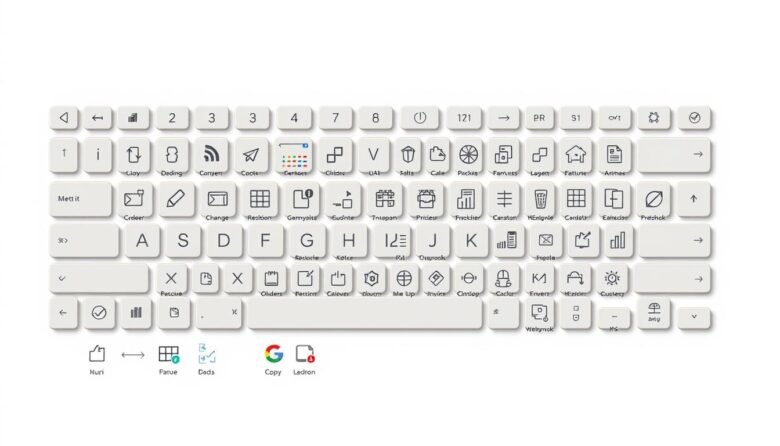
Speed up daily work by learning a few key combinations that cut clicks and clear menu hunting. Simple commands like Ctrl+C and Ctrl+V work across apps, while Win+D, Win+L and Win+E help you manage the desktop instantly. You’ll see when to use system-wide commands versus app-specific actions in Word, Excel, and your browser. We cover …

Small teams often spend too much time on repetitive work. This guide shows simple ways to cut manual effort and boost productivity using visual automation and browser bots. Workflow platforms like Knack, ClickUp, Zapier, Make, monday.com, and Airtable handle cross-app flows, forms, and approvals. Browser automation tools such as Thunderbit and Axiom.ai mimic clicks, typing, …
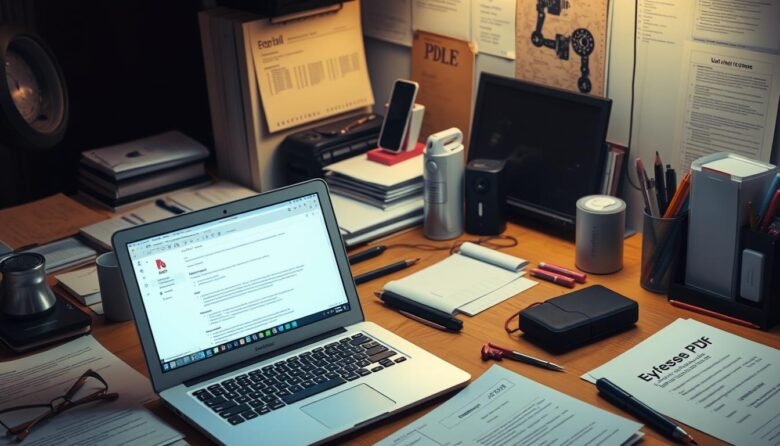
Free does not mean stuck. You can update text, add notes, sign, and reorder pages without buying a premium license. This guide walks you through practical ways to fix and refine pdf files for school or work. You will learn quick fixes, smart tool choices, Word and Google Docs workflows, OCR for scans, secure redaction, …

Google chrome hides many time-saving tools that most people never use. This short guide points to practical tricks that speed navigation, reduce clicks, and keep you focused on work. Expect clear steps and a few shortcuts that you can apply right away. Learn to use the address bar for fast searches, calculations, and Paste and …