
You can cut screen time without losing touch with the people and updates that matter. This guide shows simple, friendly steps that keep you reachable and calm your nervous system. Many folks spend nearly 7 hours a day on devices. Small shifts build real hours back. Expect progress, not perfection. In real life this looks …
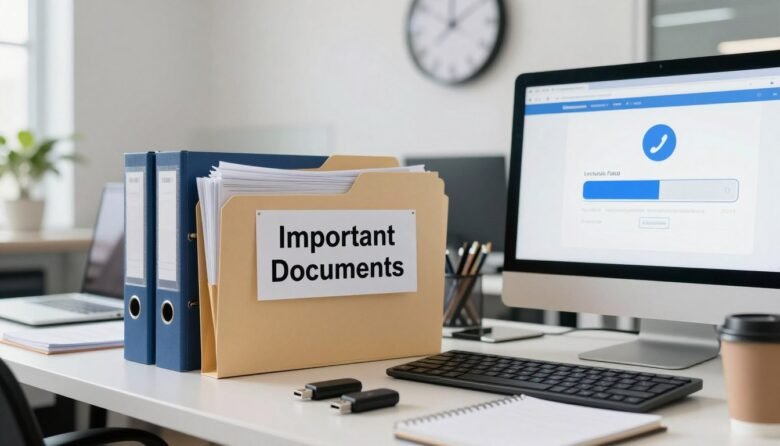
Your attachment fails because the file is too big, even when you only want to pass along a short video clip or a PDF. This short guide shows five quick ways to send large items fast. You’ll see link-based delivery that replaces attachments, so messages go through and recipients get a download link instead of …
You’ll learn clear steps for using built-in settings first, then adding connectors only when needed. Native tools on your devices can handle boring steps so you start stronger and finish on time. Expect quick wins you can set up in minutes: a morning launch, Focus Mode schedules, one-tap shortcuts, and a computer shutdown rule. Examples …

You need a simple plan that ends the endless cleanup cycle and saves time. Think of a single “digital filing cabinet”: one master folder that acts as your home base, plus a designated Downloads folder as a default landing spot for anything you save from the web. This approach is repeatable and light. You’ll build …
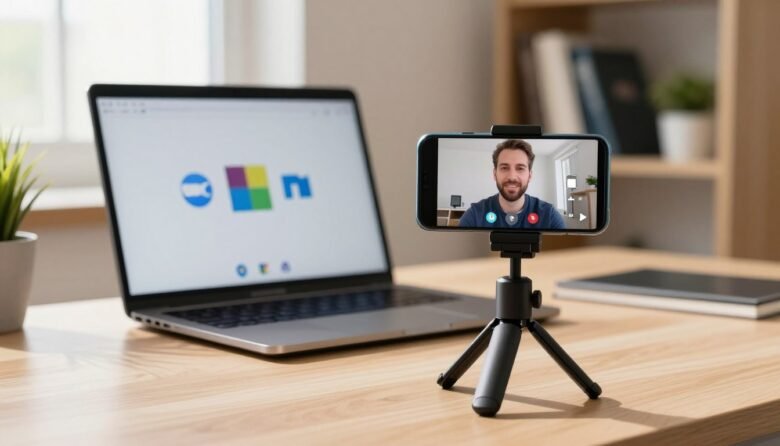
You can follow a clear path to get sharper video on calls without buying new gear. Read this guide on how to use phone as webcam for PC meetings and pick the fastest free setup for your gear. In plain terms, your phone’s camera becomes the webcam source your computer and meeting apps select. That …

Time is the ultimate currency in modern life. Small, proven approaches help you save time each day without adding complexity. The goal is to free up space for family, hobbies, exercise, or rest. In this busy world, people juggle home and work. Practical methods like the Eisenhower Matrix, time blocking, and batching cut wasted minutes. …
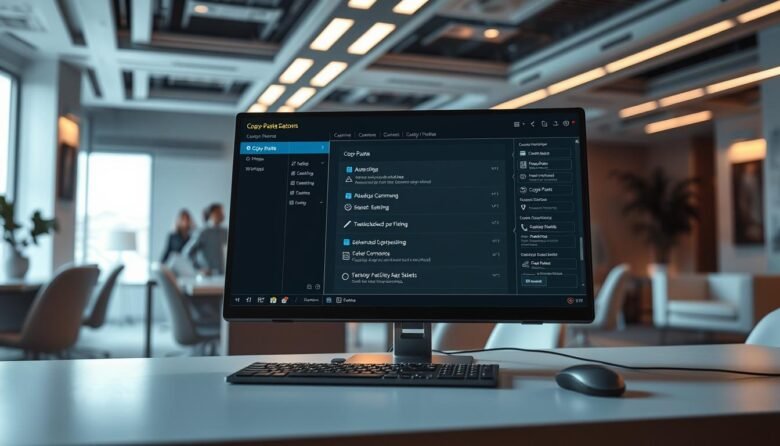
Most users default to right-clicking, but there are far faster methods that save time and reduce friction. Keyboard shortcuts like Ctrl+C, Ctrl+X, Ctrl+V, and Ctrl+A cut out extra mouse moves and keep you working. Windows stores multiple clipboard items once you enable Clipboard history in Settings > System > Clipboard, so you can recall earlier …

Get faster starts and smoother collaboration across your team with practical moves that save minutes every day. This guide focuses on simple, high-impact steps that boost productivity and cut clicks, so busy users can get results without deep setup. We curate actionable tips across Gmail, Docs, Sheets, Slides, Calendar, Tasks, Meet, Drive, and add-ons. Each …
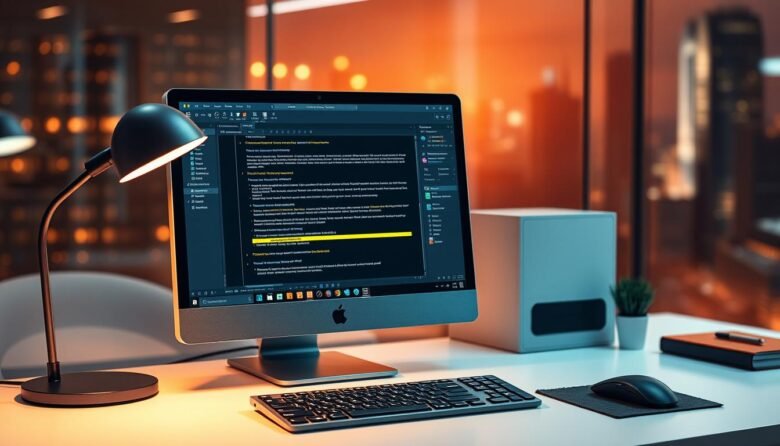
Converting scanned pages and photos into editable content is easier than ever. Modern ocr software turns printed pages, PDFs, and images into searchable, copyable text so you can skip retyping and focus on work that matters. Today’s options deliver fast processing and solid accuracy. Many suites, from Adobe Acrobat to free apps like Microsoft Lens, …
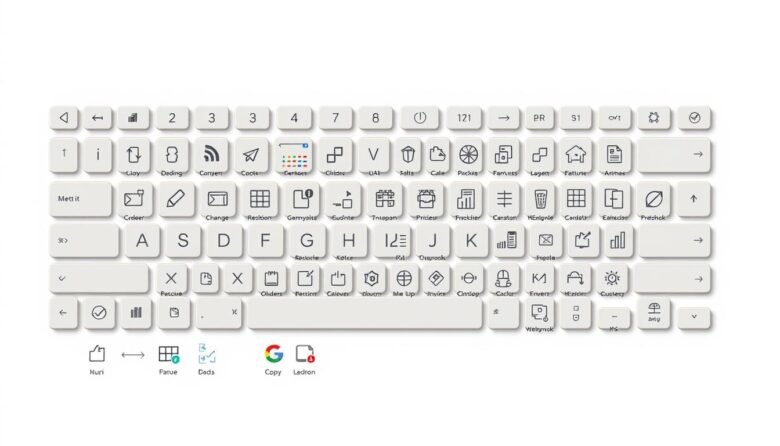
Speed up daily work by learning a few key combinations that cut clicks and clear menu hunting. Simple commands like Ctrl+C and Ctrl+V work across apps, while Win+D, Win+L and Win+E help you manage the desktop instantly. You’ll see when to use system-wide commands versus app-specific actions in Word, Excel, and your browser. We cover …