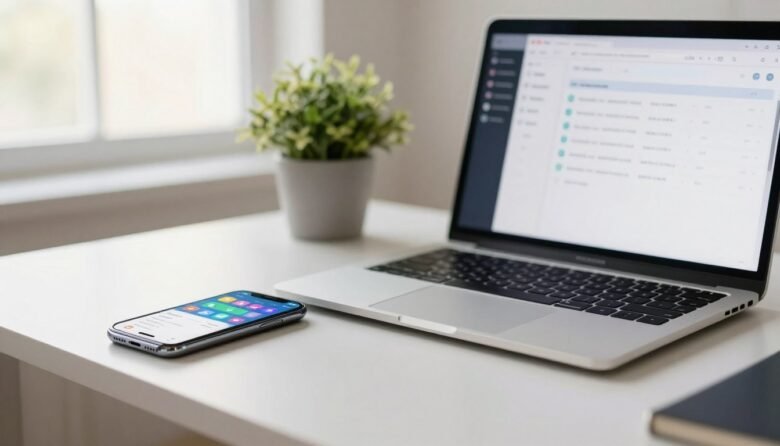
You’ll learn clear steps for using built-in settings first, then adding connectors only when needed. Native tools on your devices can handle boring steps so you start stronger and finish on time. Expect quick wins you can set up in minutes: a morning launch, Focus Mode schedules, one-tap shortcuts, and a computer shutdown rule. Examples …
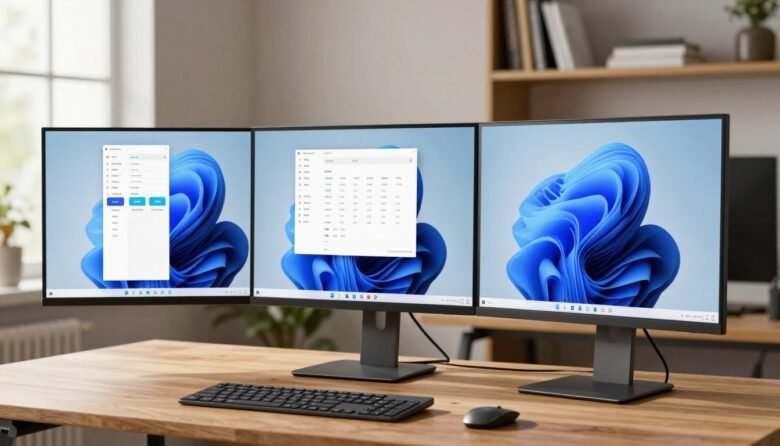
The split screen feature lets you arrange multiple windows so you can work faster without jumping between apps. You place one active window, pick another, and Snap Assist suggests what fits the empty space. You’ll get three practical options you can use right away: drag a window to an edge, use Snap Layouts from the …

Time is the ultimate currency in modern life. Small, proven approaches help you save time each day without adding complexity. The goal is to free up space for family, hobbies, exercise, or rest. In this busy world, people juggle home and work. Practical methods like the Eisenhower Matrix, time blocking, and batching cut wasted minutes. …

Save time and work smarter. A few lesser-known keystrokes can change how you use your PC every day. These practical, built‑in combos are easy to learn and give immediate payoff. They cover navigation, screenshots, snapping, taskbar control, and accessibility in a compact list. Think of “hidden” here as simply overlooked features. Simple key presses like …