This short guide gives clear, practical steps to clean preinstalled apps and free up space on your PC. You’ll learn safe ways to identify which programs slow your system and which ones are essential. We cover simple fixes in the Start menu and Settings, then move to advanced options like Group Policy, PowerShell, and trusted …

Quick wins matter. This short guide shows how to reclaim storage on a Windows PC using the built-in cleanmgr utility. You can launch it fast with Win+R, type cleanmgr, and pick a drive to scan. The tool finds safe-to-delete items like temporary Windows files, browser temp files, Java applets, and items in the Recycle Bin. …

This guide gives a short, practical plan to diagnose and Fix slow Wi‑Fi Windows without guesswork. Start with a quick speed test to compare your measured internet speed with your plan. Next, isolate the issue: check the connection on another device, try Ethernet, and note if the router or ISP shows limits. Often the cause …

Time is the ultimate currency in modern life. Small, proven approaches help you save time each day without adding complexity. The goal is to free up space for family, hobbies, exercise, or rest. In this busy world, people juggle home and work. Practical methods like the Eisenhower Matrix, time blocking, and batching cut wasted minutes. …
Quick, safe steps can make links open in the app you prefer. This short guide shows how to set Google Chrome or another choice as your default browser using the Start menu and the Settings app. In Windows 11 you’ll see a prompt like “Make Google Chrome your default browser” with a Set default button …
Drivers are the small programs that let your operating system talk with hardware like graphics cards, audio, and network adapters. Keeping them current boosts performance, fixes bugs, and patches security holes. Before you start, back up important files, make sure Windows and your browser are up to date, and confirm you have administrator rights. Use …

Quick troubleshooting can often bring your mic back to life. This short guide lists the common symptoms—silence, distortion, low volume, echo, lag, and dropouts—and maps them to simple checks you can do right away. Start with hardware: check cables, USB ports, or Bluetooth pairing. Then confirm system-level permissions. On Windows, go to Start > Settings …
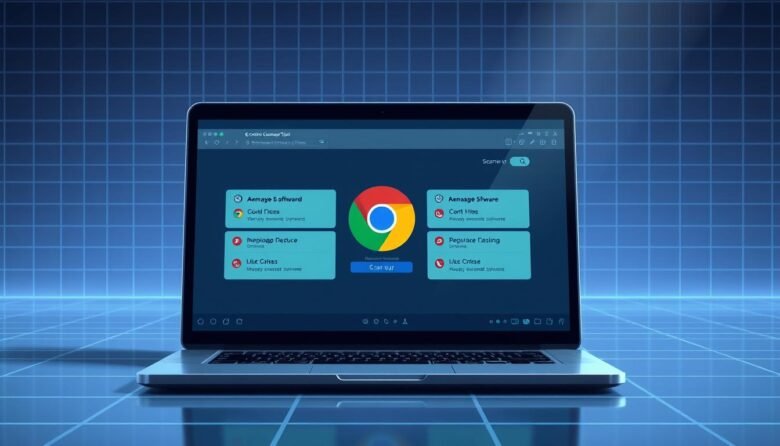
This short intro explains what the legacy cleanup feature did and who it still helps. If you run an older build on Windows, these steps apply. For most users, modern versions rely on Safe Browsing’s Enhanced protection instead. The removed feature existed through version 110. It scanned folders, checked for programs that changed settings, and …
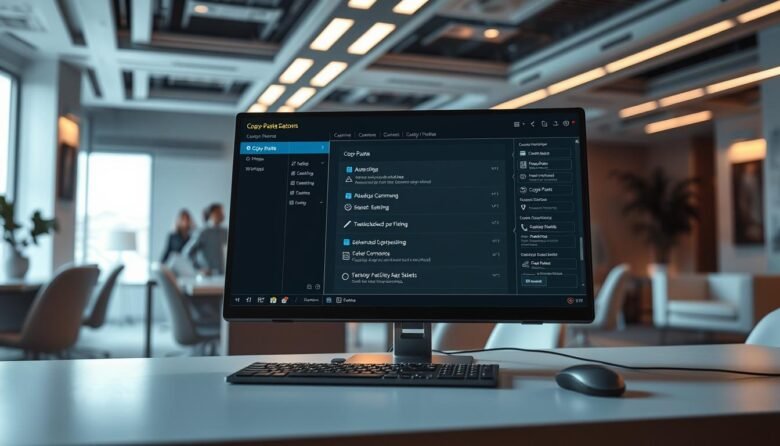
Most users default to right-clicking, but there are far faster methods that save time and reduce friction. Keyboard shortcuts like Ctrl+C, Ctrl+X, Ctrl+V, and Ctrl+A cut out extra mouse moves and keep you working. Windows stores multiple clipboard items once you enable Clipboard history in Settings > System > Clipboard, so you can recall earlier …

Get faster starts and smoother collaboration across your team with practical moves that save minutes every day. This guide focuses on simple, high-impact steps that boost productivity and cut clicks, so busy users can get results without deep setup. We curate actionable tips across Gmail, Docs, Sheets, Slides, Calendar, Tasks, Meet, Drive, and add-ons. Each …