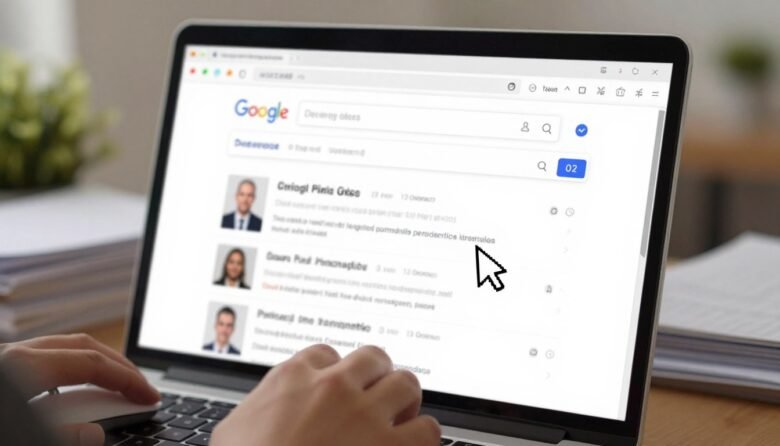
Surprising fact: many people find their phone number or home address in public listings within minutes when someone types a name into a search bar.
This feels invasive, and you likely want more control. Removal in search makes those entries harder to find, but it rarely erases the page on the website that hosts the data.
Your goal here is simple: cut the chance that people locate your contact details when they look up your name. Some contact data and certain ID numbers can be removed by Google via dedicated flows, while other pages must be fixed at the source.
You’ll learn two main paths: the “Results about you” tool for ongoing monitoring, and the direct “Remove result” option for a specific link you spot in search results.
By the end you’ll have a repeatable removal request process, a way to track status over time, and privacy habits that lower future exposure.
– Expect limited visibility, not guaranteed deletion of the original web page.
– Use both monitoring and one-off removal routes, and plan for days of processing time.
What Google can remove from your search results and what it can’t
You can ask an engine to hide certain contact data, but not every page qualifies. Below is a clear guide on the types of entries that often get approved, the stricter cases, and when no action is offered.
Common contact items you can request
- Your home address — a top target when scanning a result or page.
- Your phone number — listed as a number that links back to you.
- Your email — direct addresses that expose your contact info.
More sensitive numbers and verification
Government ID numbers such as Social Security, passport, or driver’s license are reviewed under stricter policy. Google may ask for exact matches and proof that the numbers belong to you before approving a removal request.
When a “Remove result” option won’t appear
News sites, government domains, educational pages, and some business pages are often treated as public interest. Those pages may not show an option even if they display your contact or personal contact details.
Search result versus source page
Removing a result reduces visibility in results but does not delete the content on the original page. For lasting privacy, you should request a removal and also contact the website owner to delete or redact the page.
Expected outcomes and next steps
Approved URLs may vanish entirely from results, or they may be hidden only when someone searches your name (query-based removal). If denied, you’ll usually get an email explaining the reason so you can contact the site owner or submit a more detailed removal request.
how to remove personal information from Google search using “Results about you”
Start by opening the tool that collects matches tied to your name and contact points. Sign into the google account you use most, then open the google app or visit the Results page on desktop or mobile web.
Get set up on your device
In the google app, tap your profile picture and pick “Results about you.” On desktop or mobile web, go to the Results page and choose “Get started” or “Settings.”
Enter the contact points you want watched
Add your name plus multiple emails, phone numbers, and home addresses. Include nicknames and past surnames so older listings get matched.
Review matches and manage requests
Turn on notifications so you get alerts in the app or by email when matches appear. Use the “To review” tab to inspect each result, then request removal or mark as reviewed.
- Track activity under removal requests and note status updates.
- Status labels: in progress, approved, denied, undone.
- Stop monitoring anytime by selecting “Remove all personal info” in Settings.
Remove personal contact info directly from Google Search results when you find it
When you spot a listing that shows your contact details, act quickly from the results page. Sign into your Google Account on desktop or mobile, search your name (add your city or an old address to surface more pages), then open the three-dot “More” menu next to the result.
Report a URL using “About this result”
Pick “About this result,” then choose “Remove result.” Select “It shows my personal info and I don’t want it there,” and pick “Contact Info.” Fill the form with your name and the exact contact piece shown on the page. Use the same nickname or old address if that is what appears.
- You only need one matching contact type per URL; one request covers multiple exposed items on that page.
- You’ll get an email confirmation within hours; decisions can take days and removals may take additional time to vanish from results.
- Track status under Results about you → Removal requests.
If you can’t log in, are filing on someone else’s behalf, or need a broader category, use the detailed removal form. That form may ask for URLs, screenshots, and search terms so gather those ahead of time.
Conclusion
Close the loop by pairing ongoing monitoring with direct requests and site outreach. Use the Results about you feature for steady checks, and file a removal request when a page exposes your contact or personal info.
Expect that a removal affects visibility in results rather than erasing the source page. Contact site owners when possible for a lasting fix, and note policy limits for public-interest pages.
Keep notifications on, track each removal request status under Removal requests, and use denial reasons as your next step. If you prefer, stop monitoring and clear stored entries in account settings.
Do a final quick audit: search your name plus city, review top results, and submit requests for any high-risk content so you leave with a cleaner presence and better privacy control.

Ava Kensington is a tech writer who believes technology should make life easier, not more complicated. She created MoodTechs to help everyday users get the most out of their devices with clear, step-by-step guides — no jargon, no fluff. From fixing a stubborn printer to locking down your privacy settings, Ava breaks it down so anyone can follow along.