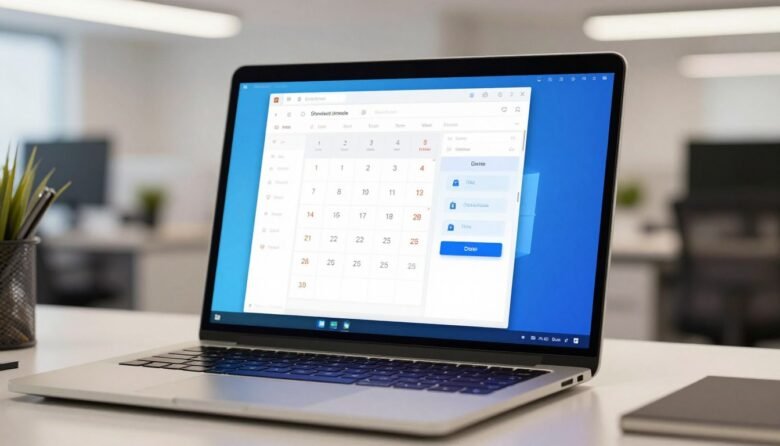
You’ll set your PC to power off at a time you pick, whether your machine runs a recent release or an earlier build. This intro previews simple methods: Task Scheduler, Command Prompt, PowerShell, Run dialog, Task Manager, a desktop shortcut, and a keyboard shortcut. Pick the way that fits your routine and skill level. Expect …
Month: January 2026
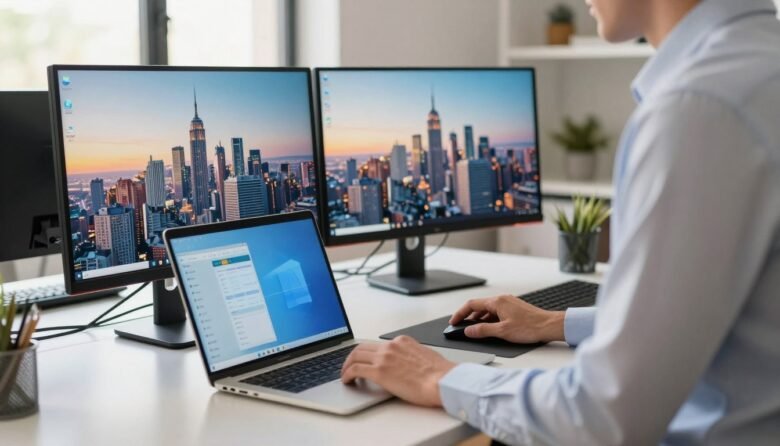
You’ll get a clear, beginner-friendly overview of how to set up a second monitor on Windows laptop in this short intro. It walks you through what you need, the cables to check, and the few clicks inside windows that finish the job. First, connect the external display with the right cable and power it on. …
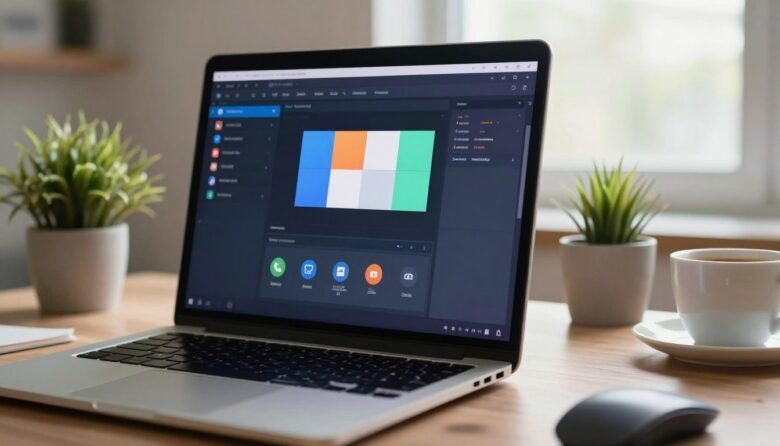
You can capture video of your display without buying extra apps. This guide is for people running Windows 10 or Windows 11 who need quick demos, tutorials, bug reports, or simple show-and-tell clips. There are three easy paths: Xbox Game Bar for a single app, the Snipping Tool in Windows 11 for a chosen region, …
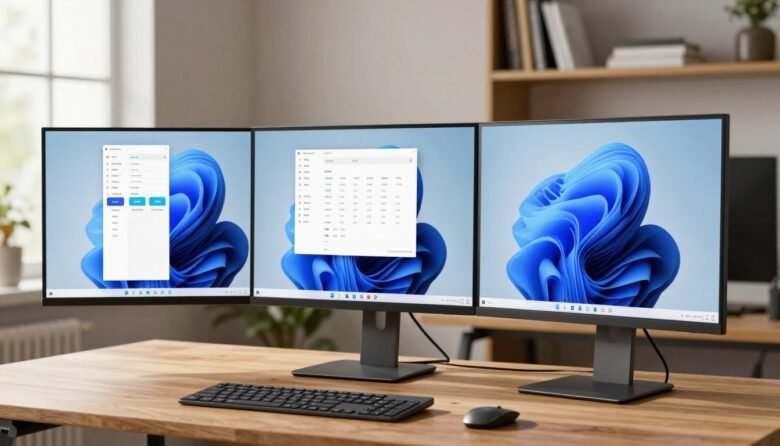
The split screen feature lets you arrange multiple windows so you can work faster without jumping between apps. You place one active window, pick another, and Snap Assist suggests what fits the empty space. You’ll get three practical options you can use right away: drag a window to an edge, use Snap Layouts from the …
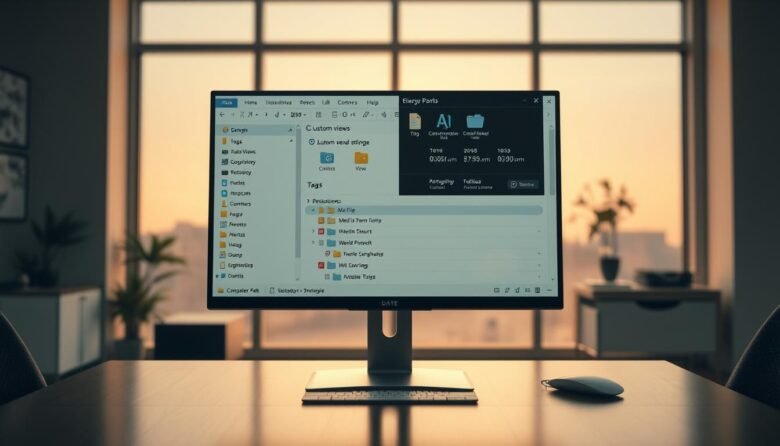
This short guide teaches practical, power-user ways to speed up Windows navigation and tighten file management. You will learn how Quick Access, OneDrive links, and panes make documents and photos easier to find. Expect clear steps for changing defaults like opening to This PC, showing name extensions, and revealing hidden items to avoid surprises. We …
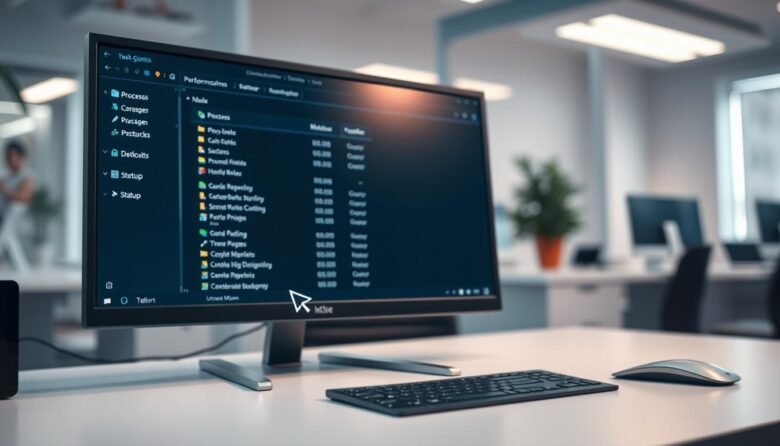
The Windows Task Manager is a built-in utility in Windows 10 and Windows 11 that gives live insight into CPU, memory, disk, network, and GPU use. It shows detailed statistics for each process so you can spot what slows your system and act fast. The simple view helps you close a frozen app in seconds. …
Quick setup makes wireless pairing fast and stress-free. This guide walks you through simple steps to get your phone, computer, car, speaker, or wearable talking to one another in minutes. The technology uses short-range radio to form a secure link. On Android, a small icon appears at the top of the screen when a connection …