Converting scanned pages and photos into editable content is easier than ever. Modern ocr software turns printed pages, PDFs, and images into searchable, copyable text so you can skip retyping and focus on work that matters. Today’s options deliver fast processing and solid accuracy. Many suites, from Adobe Acrobat to free apps like Microsoft Lens, …
Month: November 2025
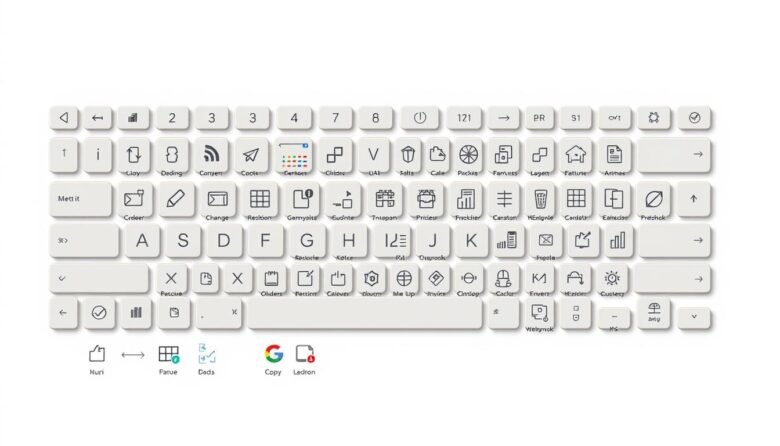
Speed up daily work by learning a few key combinations that cut clicks and clear menu hunting. Simple commands like Ctrl+C and Ctrl+V work across apps, while Win+D, Win+L and Win+E help you manage the desktop instantly. You’ll see when to use system-wide commands versus app-specific actions in Word, Excel, and your browser. We cover …
Small teams often spend too much time on repetitive work. This guide shows simple ways to cut manual effort and boost productivity using visual automation and browser bots. Workflow platforms like Knack, ClickUp, Zapier, Make, monday.com, and Airtable handle cross-app flows, forms, and approvals. Browser automation tools such as Thunderbit and Axiom.ai mimic clicks, typing, …
Free does not mean stuck. You can update text, add notes, sign, and reorder pages without buying a premium license. This guide walks you through practical ways to fix and refine pdf files for school or work. You will learn quick fixes, smart tool choices, Word and Google Docs workflows, OCR for scans, secure redaction, …

Google chrome hides many time-saving tools that most people never use. This short guide points to practical tricks that speed navigation, reduce clicks, and keep you focused on work. Expect clear steps and a few shortcuts that you can apply right away. Learn to use the address bar for fast searches, calculations, and Paste and …
Save time every day by putting your most-used folders, files, and commands within reach. This short guide explains how File Explorer surfaces frequent folders and recent files so you can return to work without hunting through deep paths. The Quick Access Toolbar can sit above or below the Ribbon, and you can move it via …

Want to type faster without mistakes? This short guide lays out simple, science-backed ways to improve typing and accuracy while keeping comfort in mind. You will learn the basics of touch typing and how short, regular practice helps build muscle memory faster than long, rare sessions. Start by setting clear expectations: focus on accuracy and …
Want your PC to feel snappier? This guide shows simple ways to cut clicks and clutter so everyday work flows faster. Small changes—like rearranging the taskbar, pinning key apps, and using Snap Layouts—make the desktop feel more responsive without hardware upgrades. Windows 11 adds features that help. File Explorer tabs reduce window hopping. Focus Sessions …
Capturing your screen fast and clean makes sharing and saving content simple. Modern Windows machines include many built-in ways to grab the whole display, part of it, or a single app window. You can use Print Screen keys, the Windows + Shift + S snipping bar, or Xbox Game Bar while playing. Some captures save …
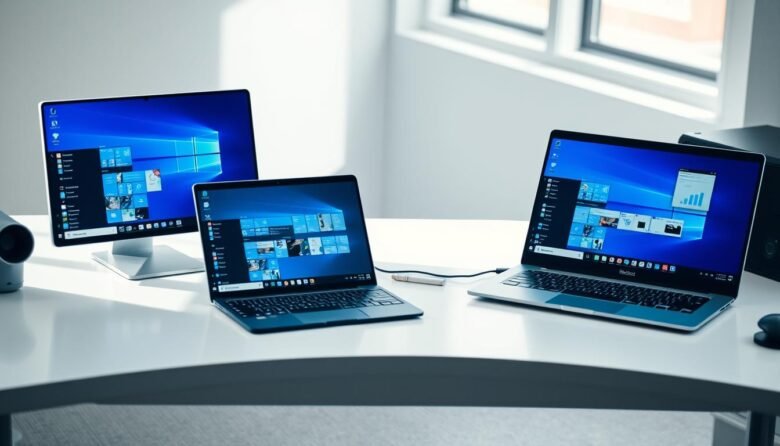
Get ready to boost productivity with a simple method to arrange apps across your display. This short guide shows how to use Snap by dragging a window to the edge or by pressing the Windows key + Arrow keys. After you place the first app, Snap Assist offers thumbnails to fill the remaining space fast. …